
Description
With TEOS, it is possible to add Office 365 data sources. These data sources can read information from resources created within Office 365. To be able to read this information from TEOS, a service account is required with permissions to pull data from Office 365. Within Office 365, this is called a delegated user.
This guide explains how to configure delegated users for your resources.
Requirements
- Administrator access to your Office 365 environment
- Basic knowledge of Office 365
- Information regarding the service account that needs to be configured
How to configure delegated users
- Log in with an administrator account to: https://login.microsoftonline.com
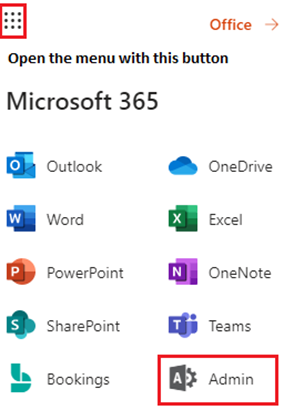
- Open the menu in the top-left corner and select “Admin”.
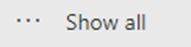
- Select “Show all” in the menu on the left-hand side.
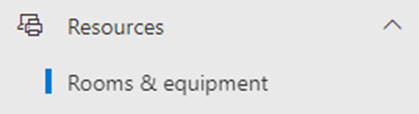
- Then select “Resources > Rooms & Equipment”.
- Select the room, for example: room01@teos.support

- Select “Edit” under “Delegates”.
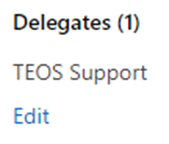
- Add the service account you want to use for your data sources as a delegated user and select “Save changes”.
You have now successfully configured a delegated user for your room resource. Please note that it may take up to 24 hours before the changes are fully active and processed by Office 365.