Description
This guide explains how to create user groups within TEOS.
Requirements
- Manage for TEOS
- Administrator access to TEOS Manage
How to create user groups
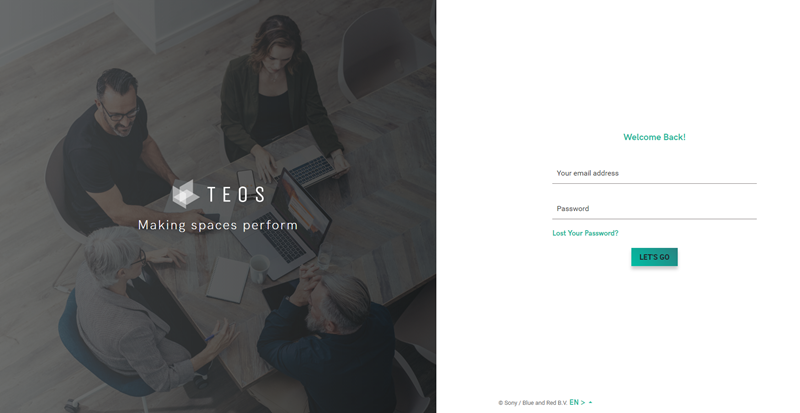
- Open the TEOS web interface and log in with an administrator account.
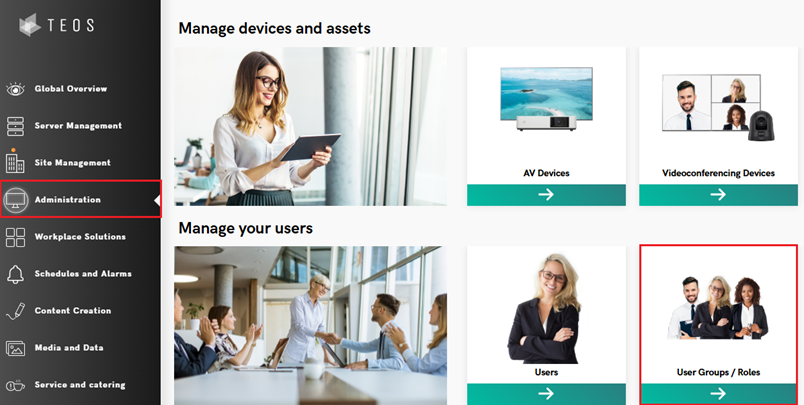
- Go to ‘Administration’ and select ‘User Groups / Roles’.
- Select the option ‘Add group’ in the top-right corner.

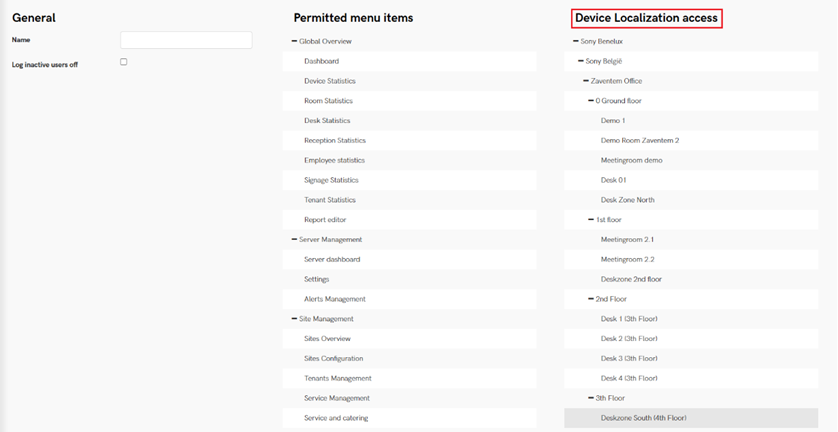
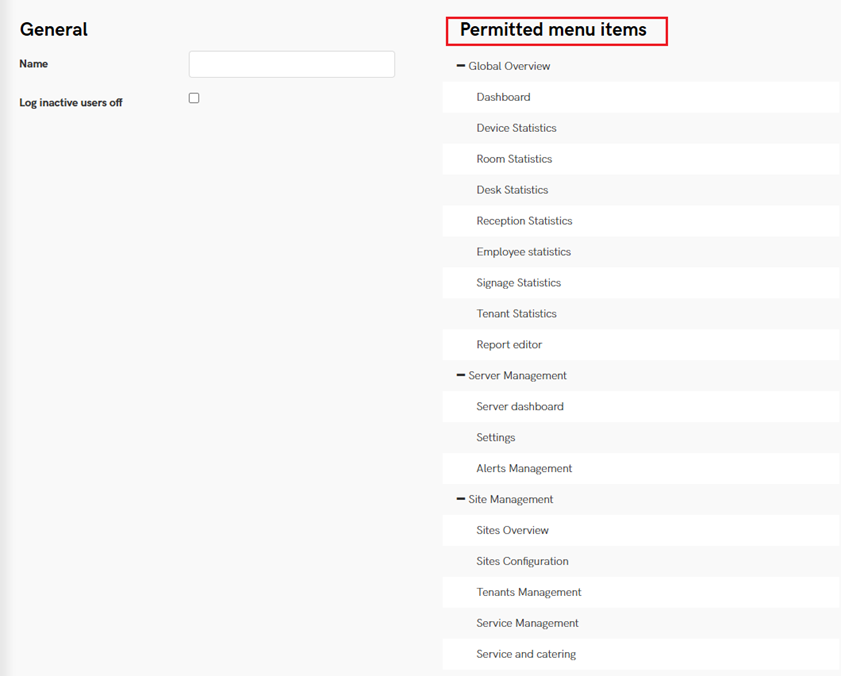
- On the next page, you can enter a name for the group and select which parts of TEOS the users in this group will have access to.
Please note:
This section only grants users access to specific parts of TEOS.
For ‘Content Creation’ and ‘Media and Data’, additional rights must be set in order to create, edit, or delete content.
You can find our ‘How to set rights’ manual in our knowledge base: How to set rights. - From TEOS 3.3.0 onwards, it is also possible to link a user group directly to a device location.