
Description
This guide explains how to install custom fonts on your On-Premise installation.
Requirements
- Font file available in .ttf format
- Font file available in .eot format
- Access to the TEOS Manage Server
- Access to the SQL Server with TEOS databases
- Access to the TEOS web interface
TEOS 3.2.0 and below
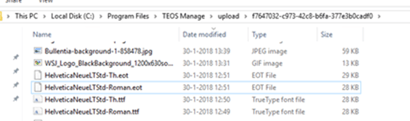
- Log in to the TEOS Manage server and navigate in Windows Explorer to:
C:\Program Files\TEOS Manage\upload\f7647032-c973-42c8-b6fa-377e3b0cadf0
(or an alternative path if TEOS is installed in a different location) - Copy your font files into this folder.
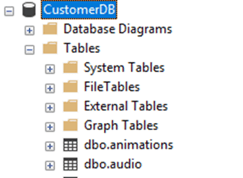
- Log in to the SQL Server, expand the database CustomerDB, and open the list of tables.
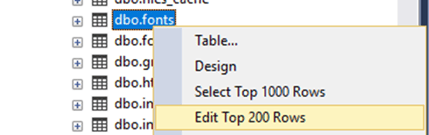
- Right-click the table dbo.fonts and select Edit Top 200 Rows.
- In the new window, enter your eotfilename, ttfilename, and Font Filename.
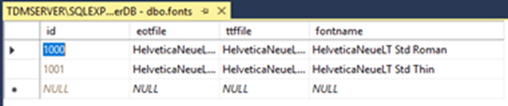
Your new font will now be available for selection in Content Creation.