Description
This guide explains how to unlink your calendar services from your TEOS Lite environment.
Requirements
- Access to your TEOS Lite environment
How to unlink your calendar services
- Log in to your TEOS Lite environment: https://lite.teos.solutions/
- Navigate to “Settings”.

- On the right side, you can find an overview of your linked services.
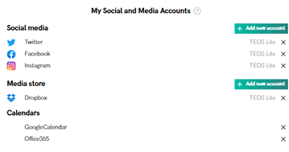
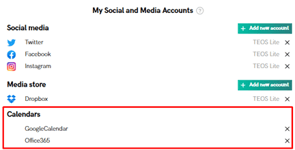
- Select the “x” next to the calendar service you want to unlink to remove the connection.
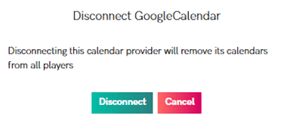
- A pop-up will appear asking you to confirm the removal.